

The desktop studio for your Ricoh GR.
Import your frames, design recipes with a calibrated live preview, match any reference photo, and send the result to your camera — recipes are the core, and the studio around them keeps growing.
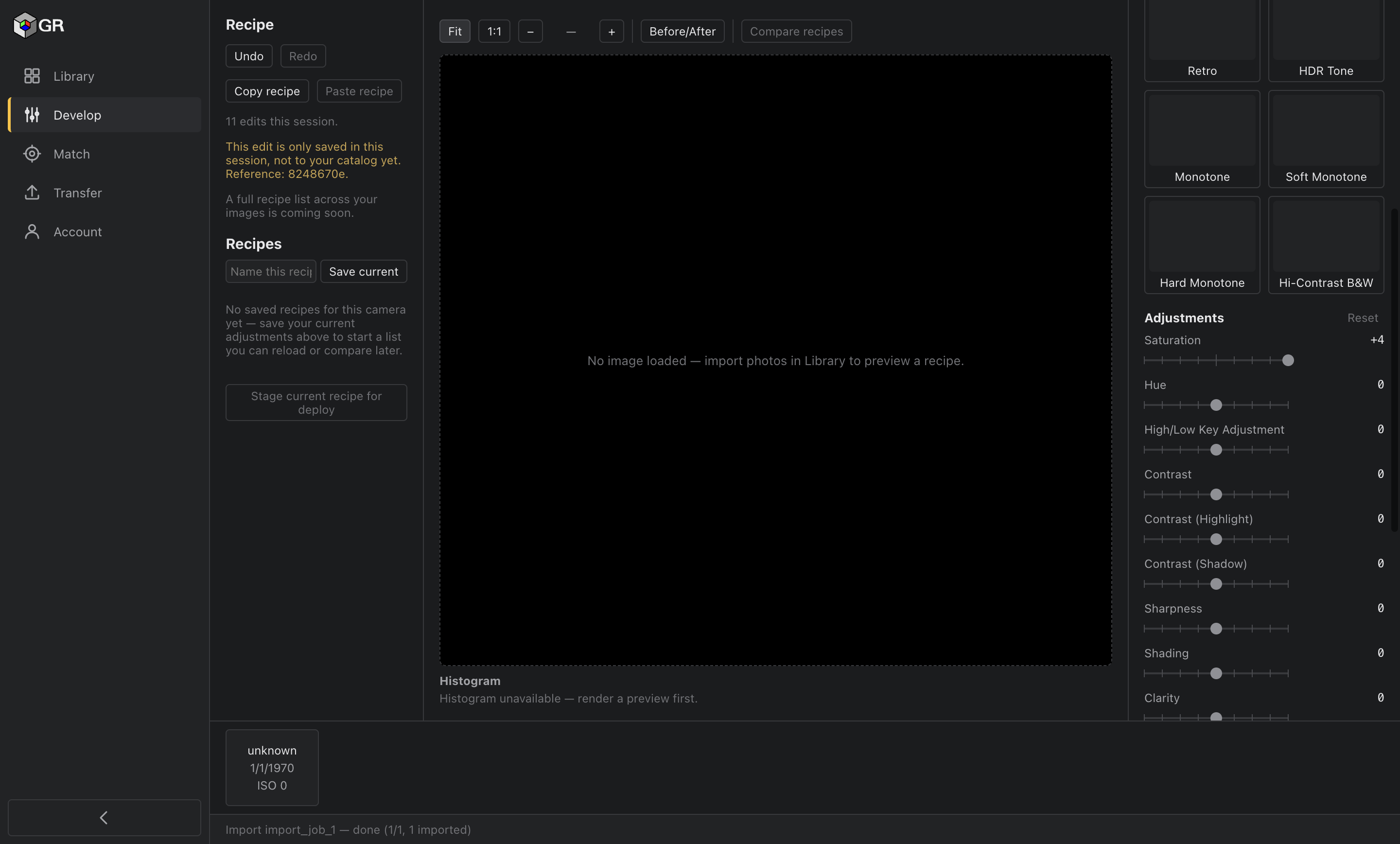
Every pixel comes from the calibrated engine.
GR Studio never shows you a guess. The preview is rendered by a calibrated engine that characterises your camera's JPEG processing, body by body and firmware by firmware — on your own RAW file, with no camera tethered. When Ricoh ships new firmware, the calibration follows it, so the preview stays right while hand-tuned approximations quietly rot.
Calibration is in progress — the measured basis is published before launch.
Screenshot coming soon — GR Studio preview with its measured accuracy statement visible alongside
Start from any photo you admire.
Drop in a reference image — yours or anyone's — and Match fits the closest recipe your GR can actually reach. You get the recipe, a match score, and a plain statement of what your camera can't reproduce. Because the engine is calibrated, GR Studio doesn't approximate the look — it computes the gap.
Screenshot coming soon — Match result: fitted recipe beside the reference, match score and can't-reach statement visible
Sliders that snap to your camera's real detents.
If the GR can't hold a value, GR Studio won't let you set it. Every control snaps to the steps your camera actually has, so nothing you design is undeliverable — the recipe on your screen is a recipe your camera can shoot.
Screenshot coming soon — Editor close-up: a parameter slider snapped to the camera's real detent steps
Finish it here. Shoot it out there.
Keep every look in your catalog. When one's ready, open Companion on your phone: it guides the recipe onto your GR III or GR IV step by step, setting by setting, nothing to key in wrong. Direct write to the GR IV arrives the moment it's verified against a real body — and not a moment before. Nothing here ever claims "sent" until the camera itself confirms it.
Nothing to upload. Nothing to trust us with.
GR Studio never uploads your photo library. Your account and recipes sync; your RAW files and frames never leave your machine. No ad networks. No trackers.
Requirements
GR Studio needs macOS 12 (Monterey) or later, or Windows 10 or later, and a WebGPU-capable GPU — most graphics hardware from recent years qualifies. The preview engine runs on your GPU; that's what makes it fast and faithful.
Questions
Do I need a GR IV?
No. The GR III and GR IIIx are first-class here — you design with the same calibrated preview and Companion guides the recipe onto your camera step by step. The compatibility page shows exactly what works on your body today.
Is this a RAW editor?
No. GR Studio edits your camera's own recipe parameters, so what you design is exactly what the camera itself produces. RAW development is a considered future addition — not a quiet pivot.
What does it cost?
The full app is free for 14 days — no card, no auto-charge. After that it's a paid app; the pricing page has the exact terms.